
How Do I Create a New Listing?
Assuming you’re already logged in to PropMall.
Click on the “New Listing” menu (represented by a “Plus” icon) located at the bottom on mobile, or at the top on desktop.
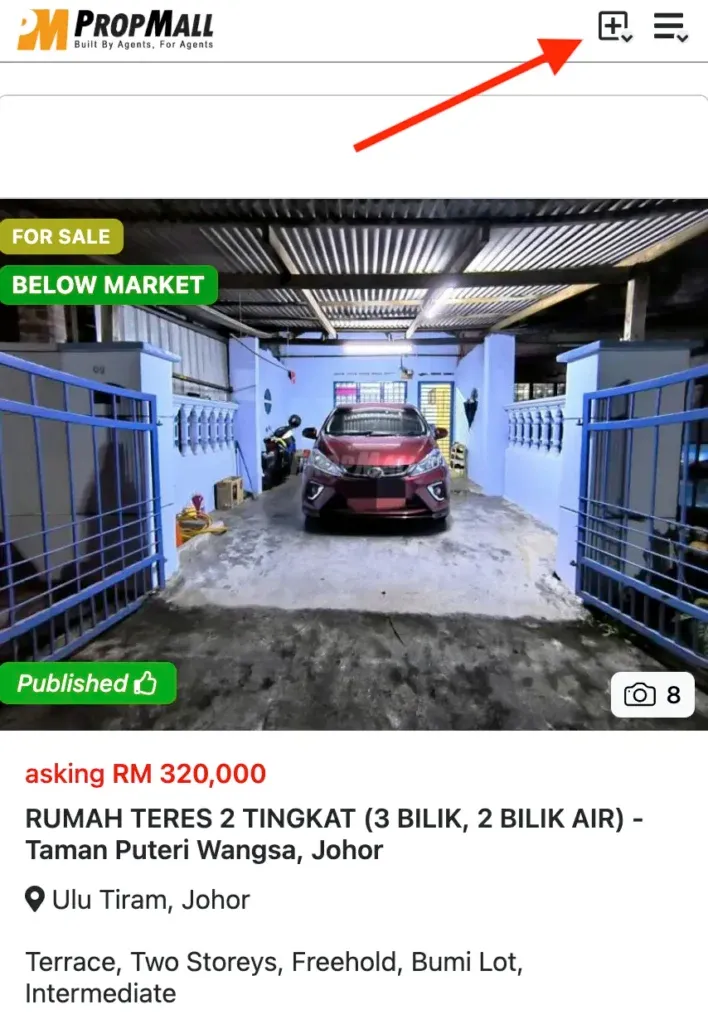
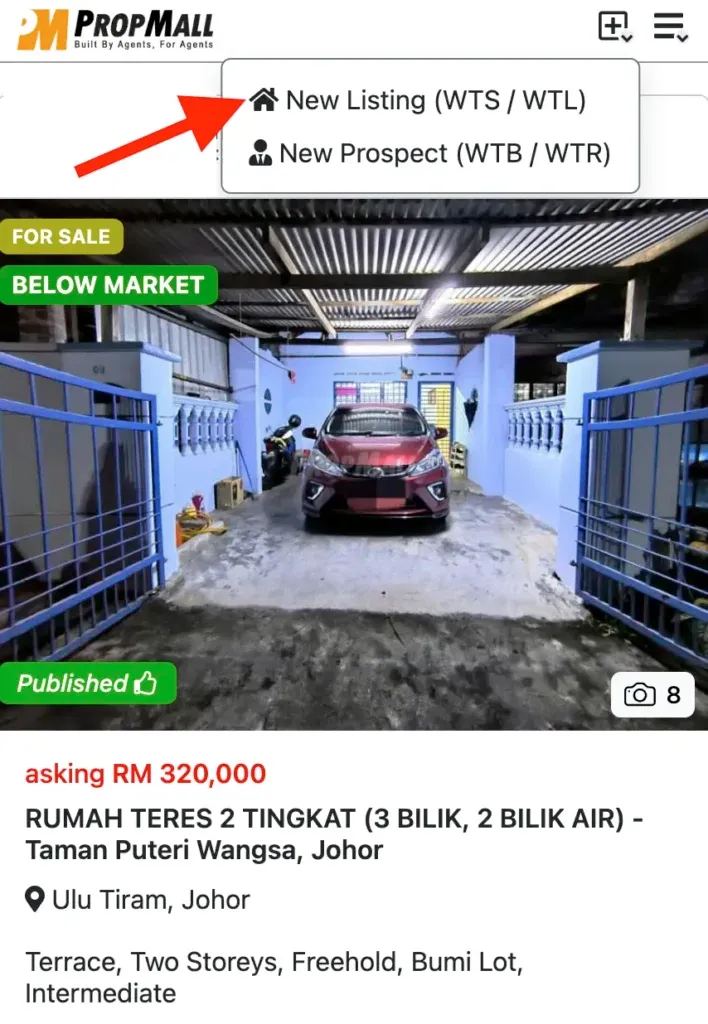
You’ll be directed to the “New Listing” form.
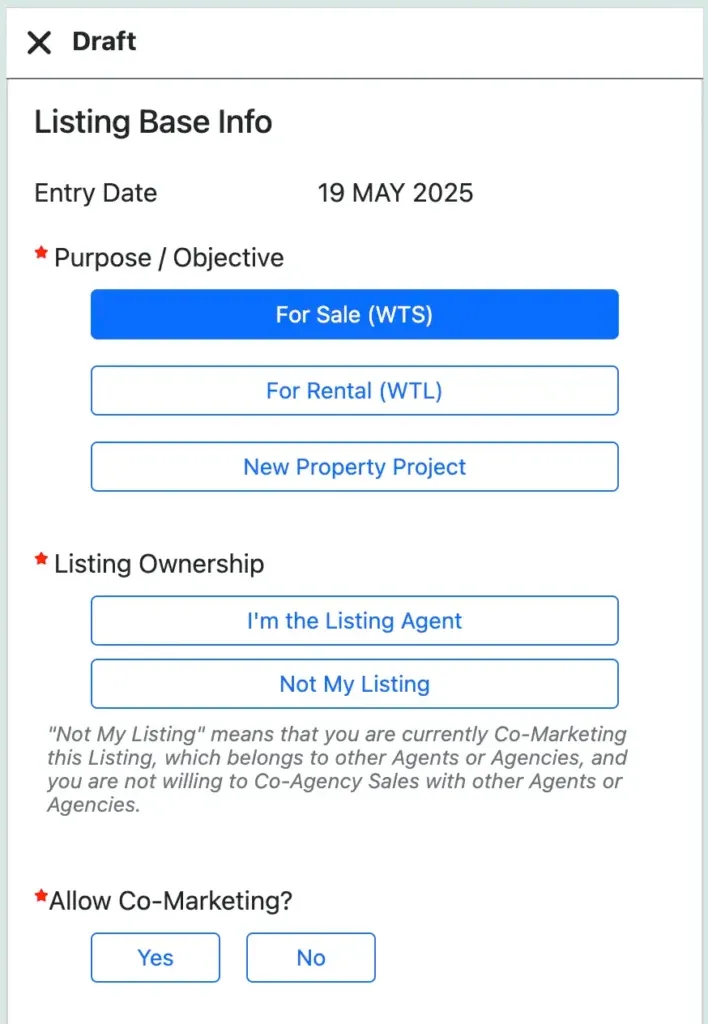
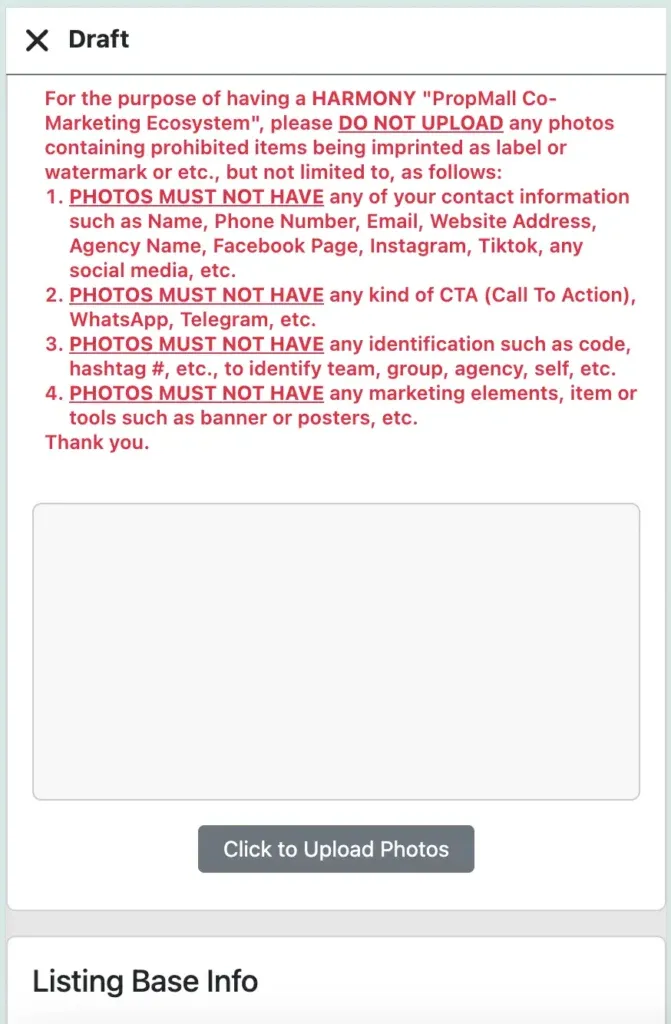
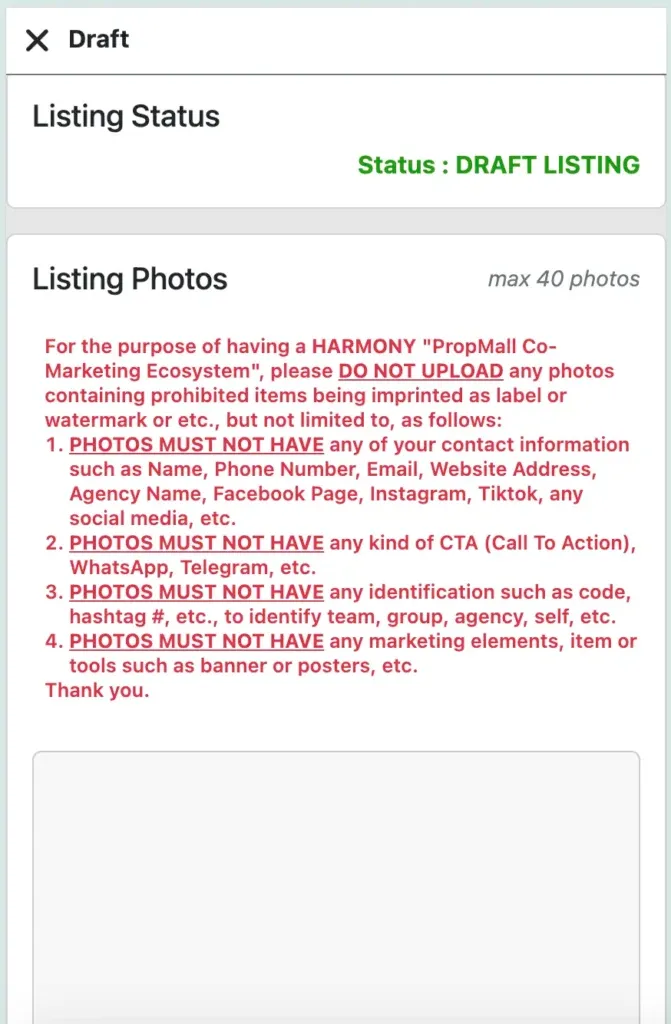
Complete the form by entering your listing details and uploading the relevant photos.
Click the “Save Draft Listing” button at the bottom of the form to save your listing as a draft.
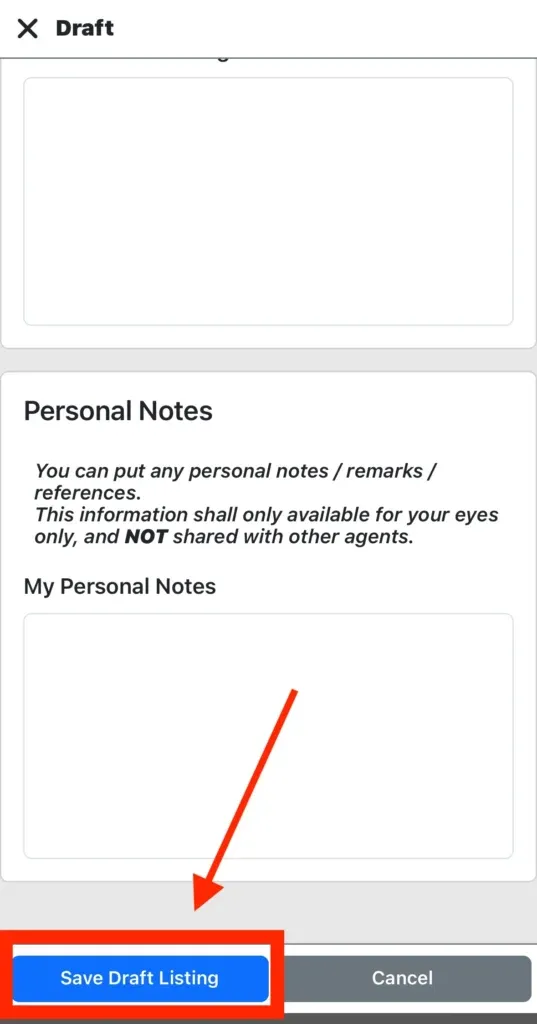
PropMall will now create your new listing. Please wait while all photos and details are uploaded successfully.
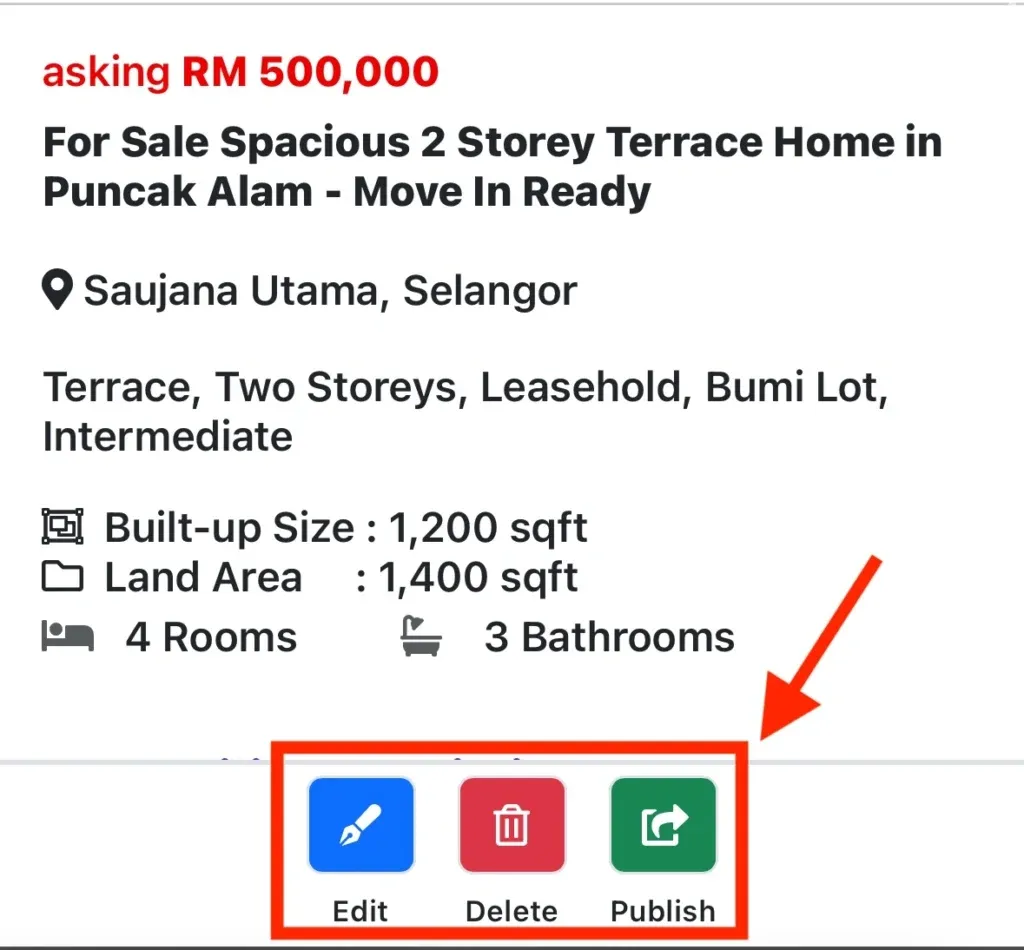
Once the photos and details are uploaded, you have the option to either Edit, Delete, or Publish the listing.
Was this helpful?