
What Do the Colored Dots on Listing Photos Mean?
If you look carefully at the Top Right Corner of the pictures of each listing, you can see a little colored dot.
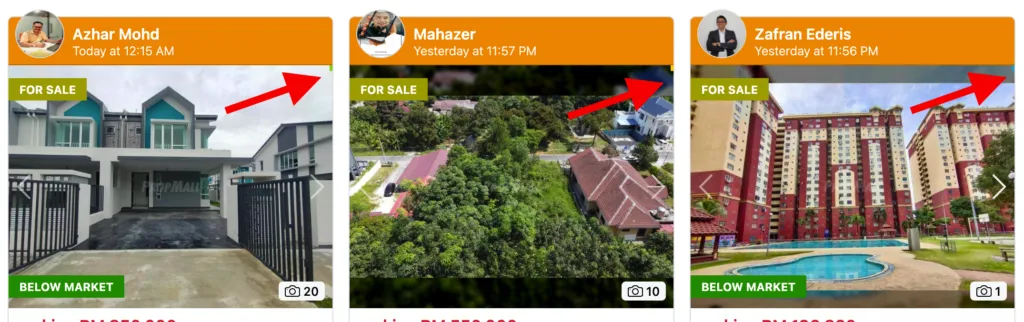
We have deployed a simple yet effective way for you to identify categories of listings in the PropMall environment.
You can quickly identify the category of a listing by looking at a small colored dot in the top right corner of the picture.
🟩 Green: Own Listing & Allow Co-M 🟦 Blue: Own Listing & Not Allow Co-M 🟧 Orange: Not My Listing 🟥 Co-Marketing Listing (Only in PropMall.my/username and Agent’s Website)
Was this helpful?