
How Do I Browse & View Listings?
Once you’re logged in to PropMall, click on the “Lists” menu—located at the bottom on mobile or at the top on desktop.
You’ll then be directed to the Listings Page.
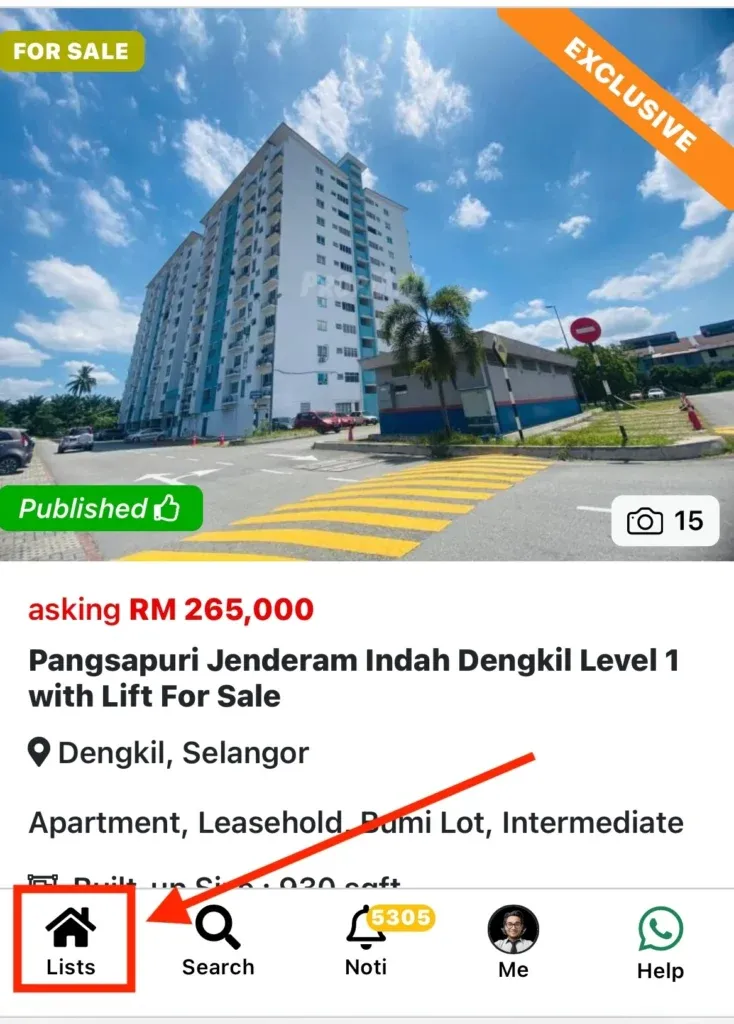
Scroll through the Listings to view all available properties on PropMall, along with a brief summary for each one.
Click on any part of the listing or select the “Details” button to see the full details.
Was this helpful?